Explanation of how to use the Val WhatsApp Enterprise platform
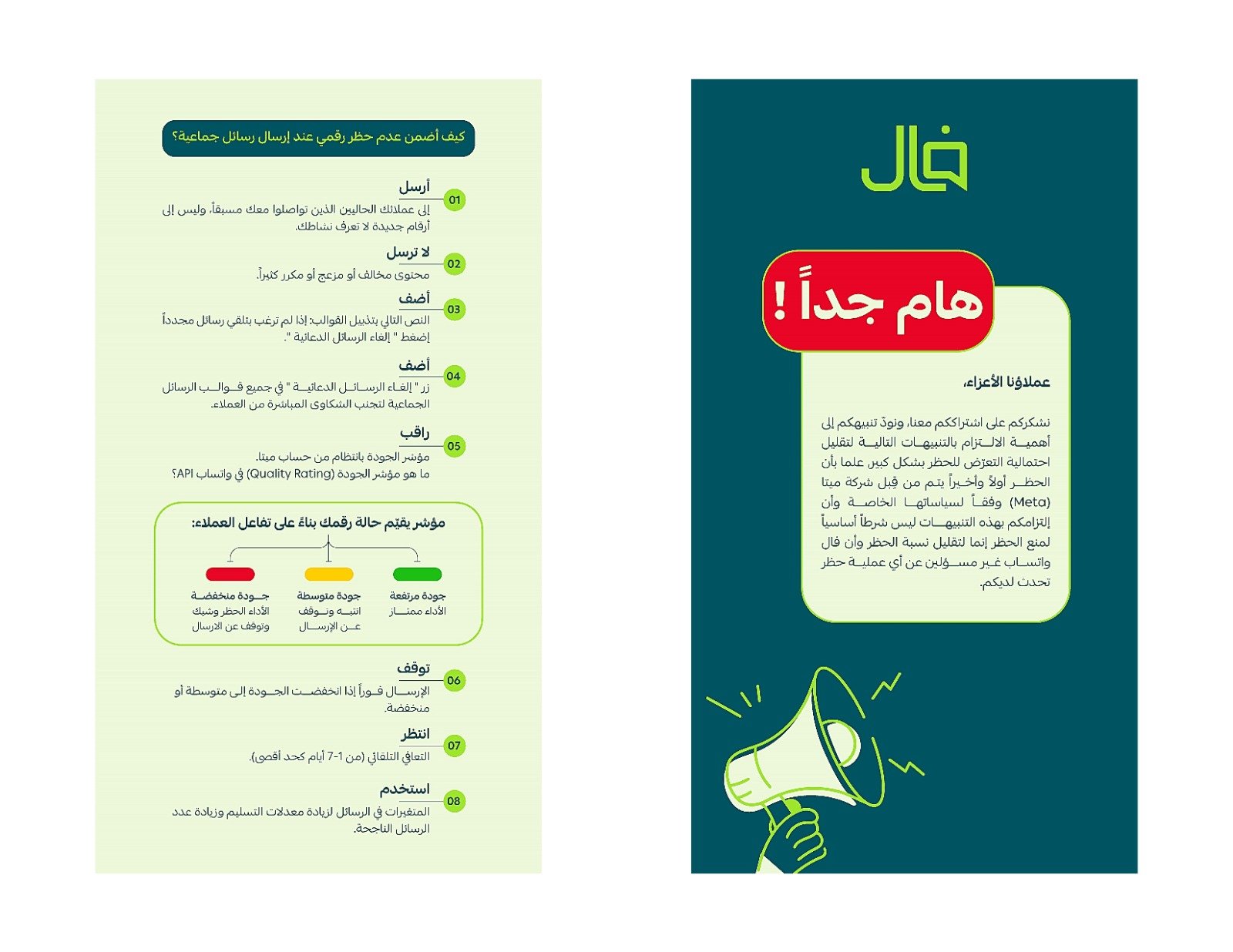
Very important warnings, please read them before starting use.
To view it, click on the link
Main interface explanation
1- Managing customer service conversations, where previous conversations can be reviewed, customers can be interacted with via live chat, files can be sent, meeting times can be scheduled, artificial intelligence can be used to generate suggestions, and special notes can be added to the support team.
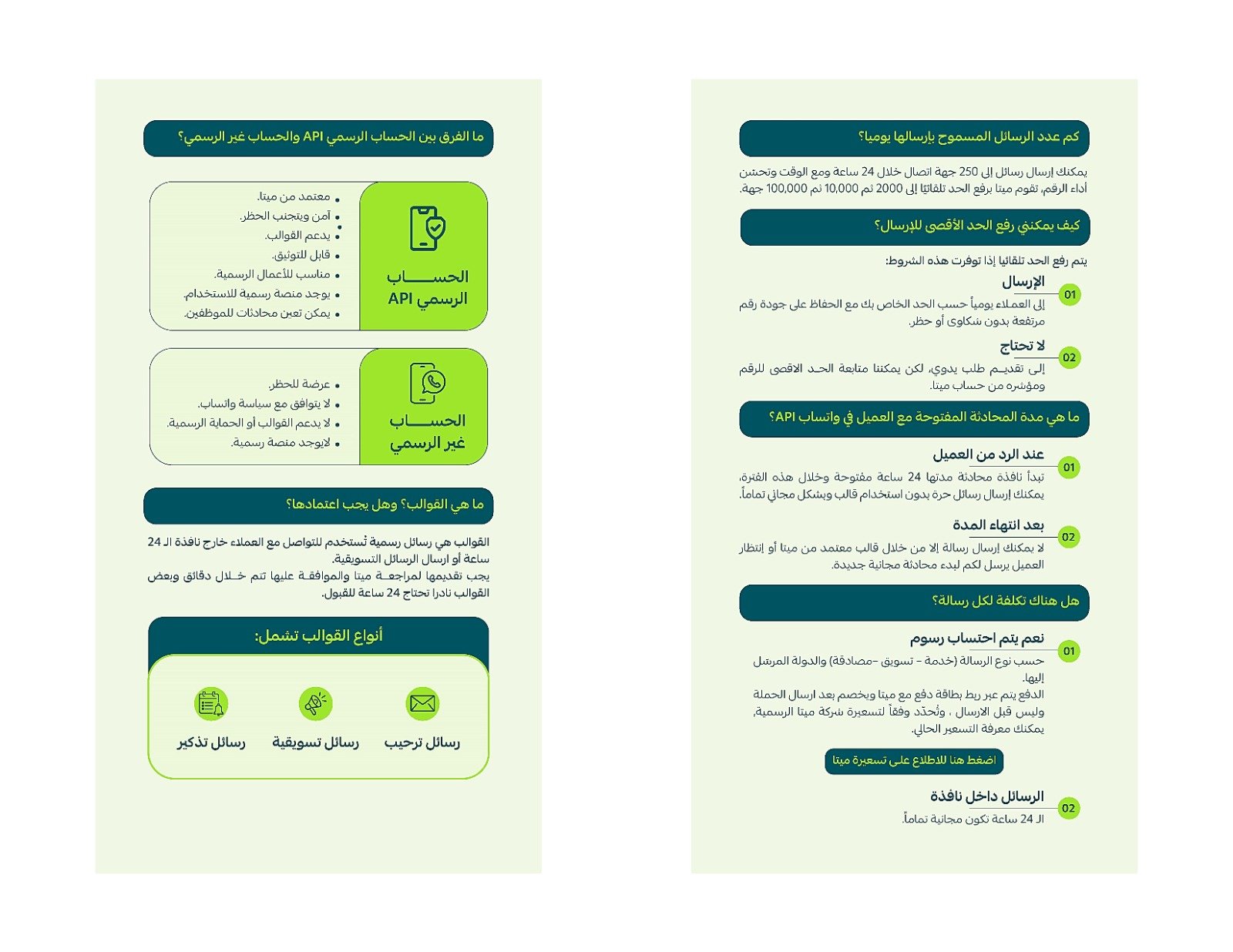
2- Adding the payment card to the Meta website and WhatsApp account, with an explanation of how to check the WhatsApp status and evaluate the quality from Meta.
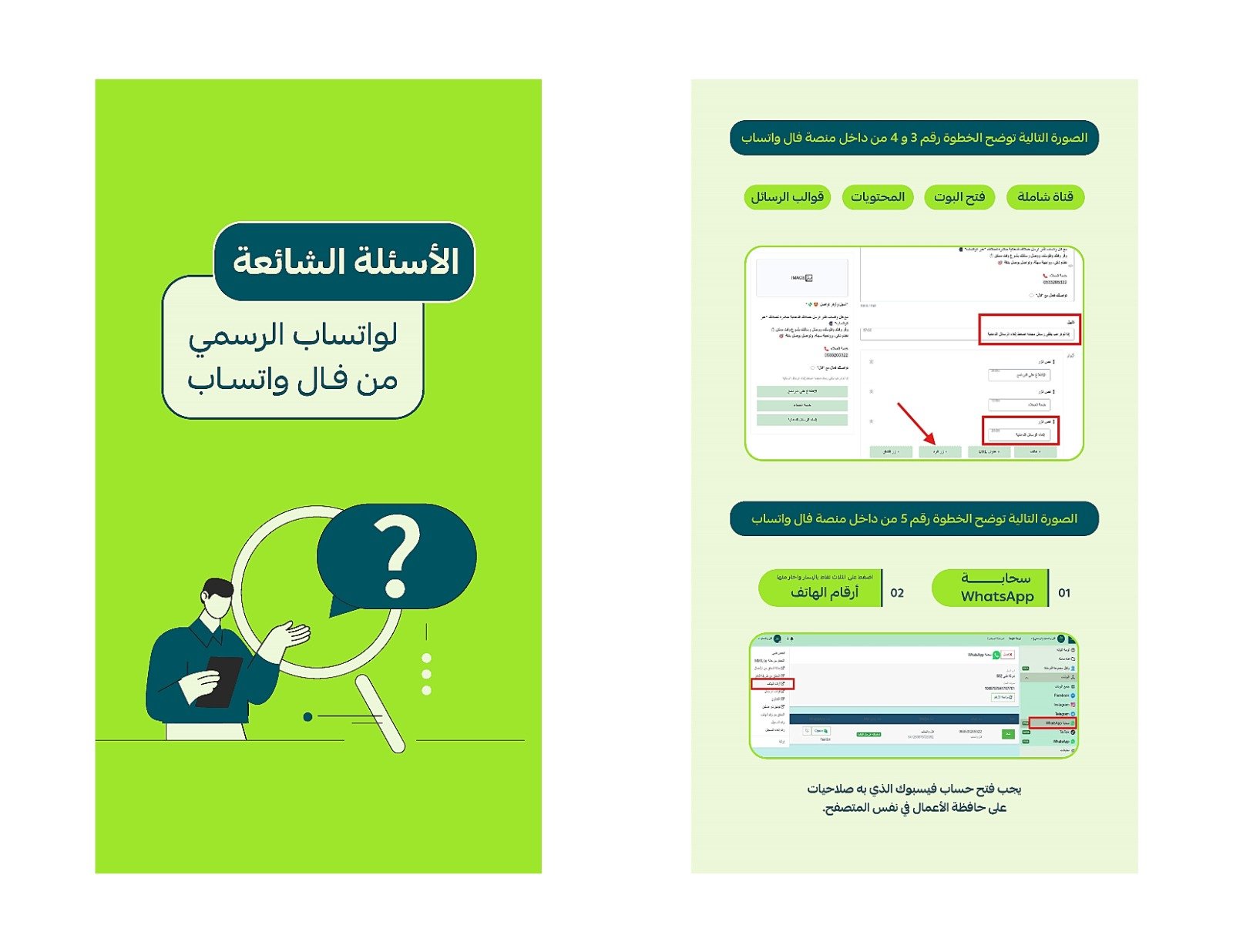
3- Create a WhatsApp template and submit it to Meta for approval. This includes steps such as entering the template name, selecting the category, adding content like images and text, using variables, and customizing buttons. After review, the template can be used with default user data.
4- Create a custom flow for the WhatsApp template after obtaining approval from Meta. This includes the necessary steps to add template-specific commands, such as sending a message and unsubscribing, ensuring the customer does not receive promotional messages again.
5- Adding a contact list to the Val platform using an Excel file. The tutorial includes steps for preparing the file, formatting the numbers, saving it in a suitable format, and importing the numbers into the platform. It also explains how to add new users and use their numbers for promotional messages.
To contact WhatsApp Business Technical Support:
To contact Val via phone or WhatsApp, please use the following number: 966533205322
To contact us directly via WhatsApp: http://wa.me/966533205322